
Who doesnt love a shortcut
Follow the steps below to add your shared drives as a shortcut to your file explorer
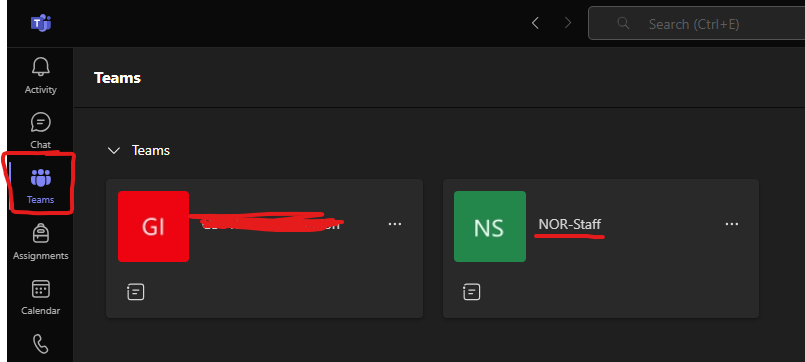
1. First head to Teams and find the Team storing your shared drive
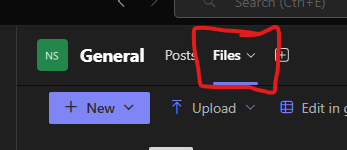
2. Click onto the files section
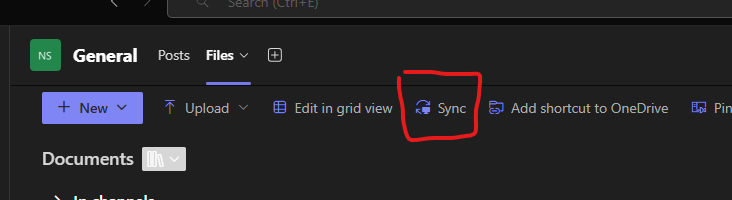
3. Clck "Sync"
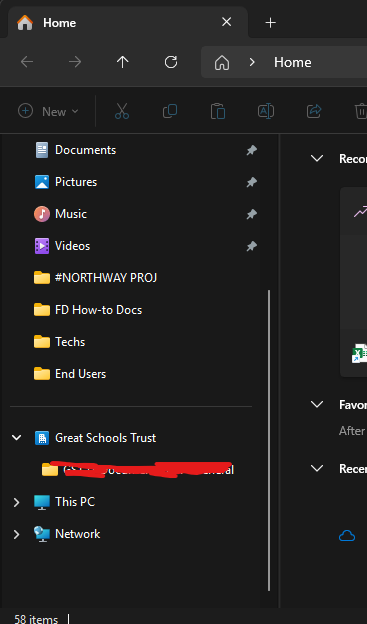
4. Give it some time and check your file explorer
Scroll to the bottom of your quick access bar and look for your new shortcut - This will open documents locally on your computer and automatically upload and save them if you change anything or save into it from here.
Any problems contact IT and someone will be happy to help